Account & Billing
Changing your plan
You can upgrade or downgrade your plan at any time from Settings.
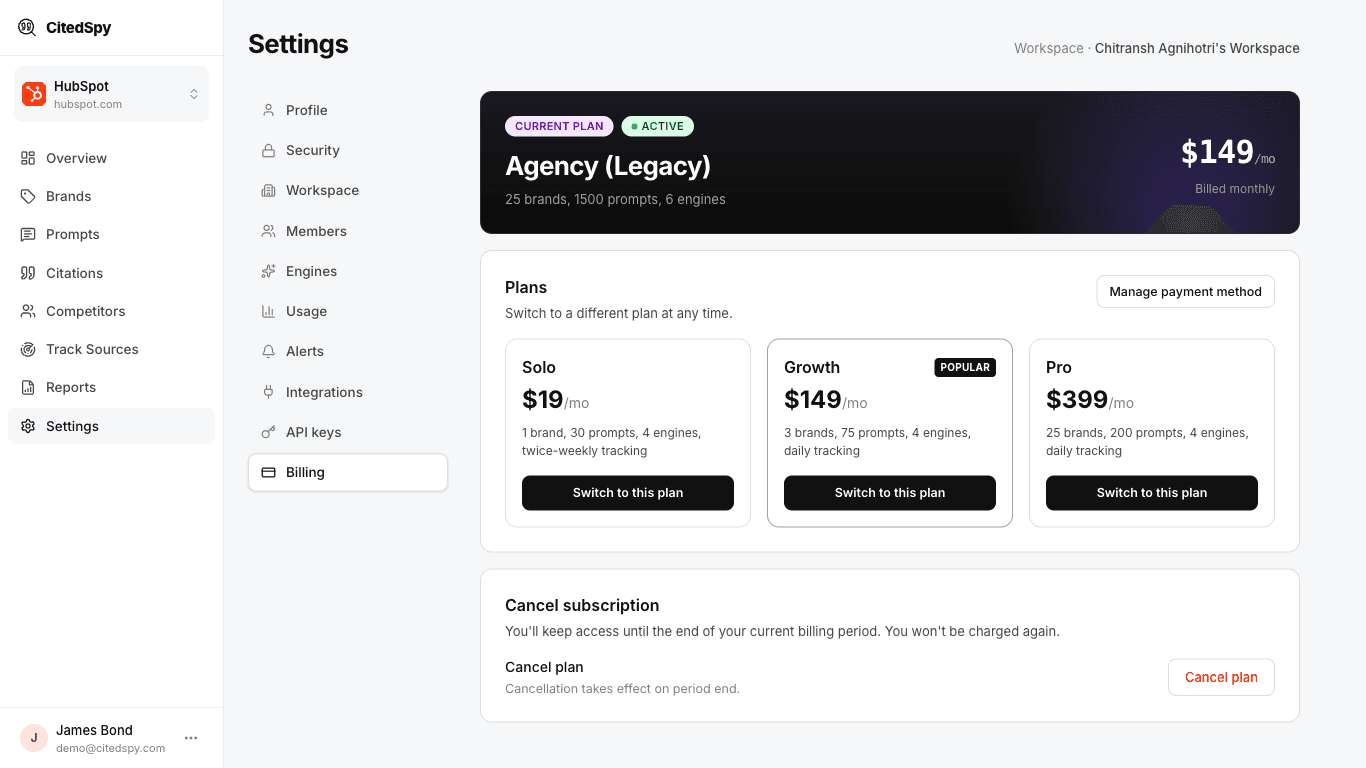
Plans
| Plan | Price | Brands | Prompts | Competitors | Engines | Tracking |
|---|---|---|---|---|---|---|
| Trial | Free | 1 | 20 | 5 | 4 | Twice weekly |
| Solo | $19/mo | 1 | 20 | 5 | 4 | Twice weekly |
| Growth | $149/mo | 3 | 75 | 25 | 4 | Daily |
| Pro | $399/mo | 5 | 200 | 100 | 4 | Daily |
Earlier Indie, Pro, and Agency plans are grandfathered - existing subscribers keep their original limits.
How to change
- Go to Settings > Billing.
- Click Change Plan.
- Select your new plan.
- Confirm the change.
Upgrades take effect immediately. Downgrades take effect at the end of your current billing cycle. You will not lose any data when downgrading, but some features may become unavailable if they exceed your new plan limits.