Reports & Exports
Generating PDF reports
Create professional PDF reports to share with your team or clients.
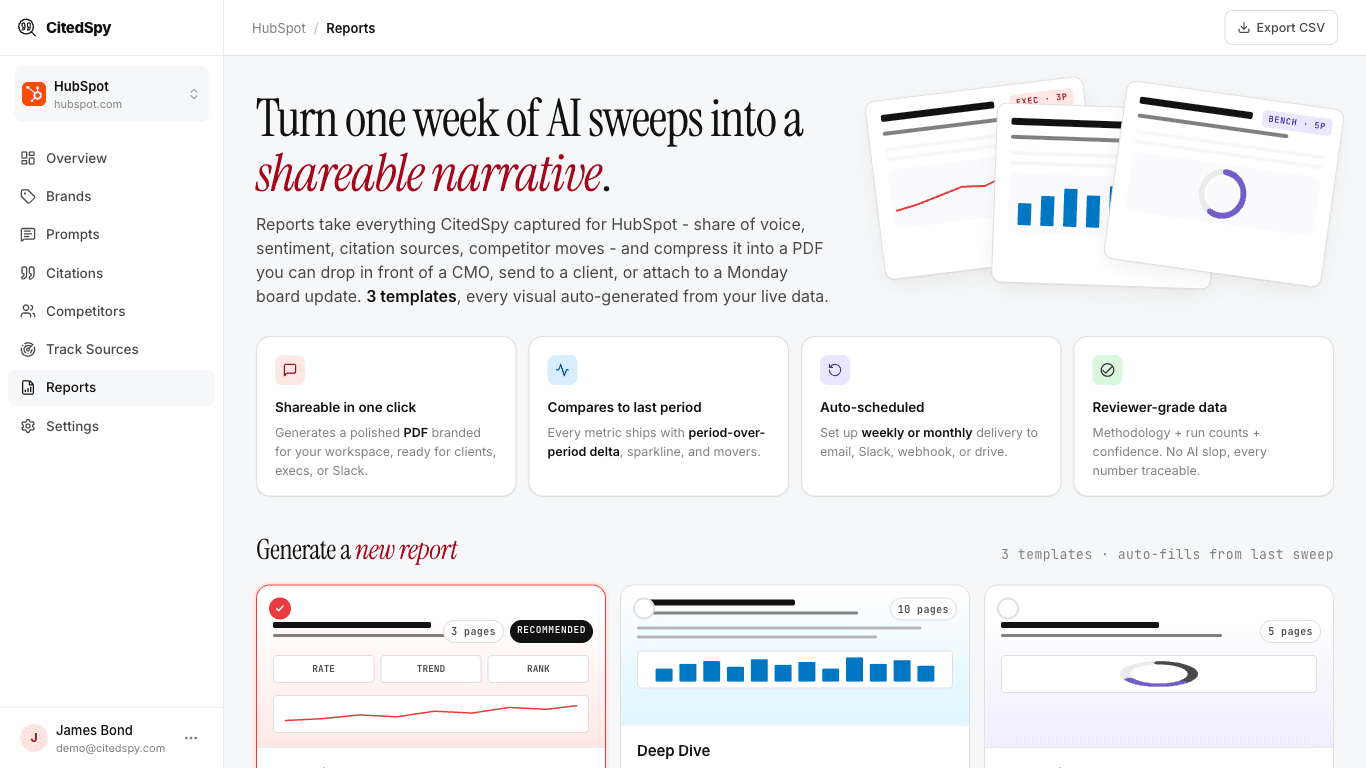
Steps
- Go to Reports and pick a template - Executive Summary (3 pages), Deep Dive (10 pages), or Competitor Benchmark (5 pages).
- Choose the date range - last 7, 30, or 90 days.
- Click Generate. CitedSpy fills the report from your dashboard data automatically.
Reports typically take 10-30 seconds to generate. Once ready, you can download or share them via a link.
What is included
- Visibility score trend
- Mention and citation rates by engine
- Competitor share of voice
- Sentiment breakdown
- Top-performing and underperforming prompts