Competitors & SOV
Adding competitors
Track how competitors appear alongside your brand in AI responses.
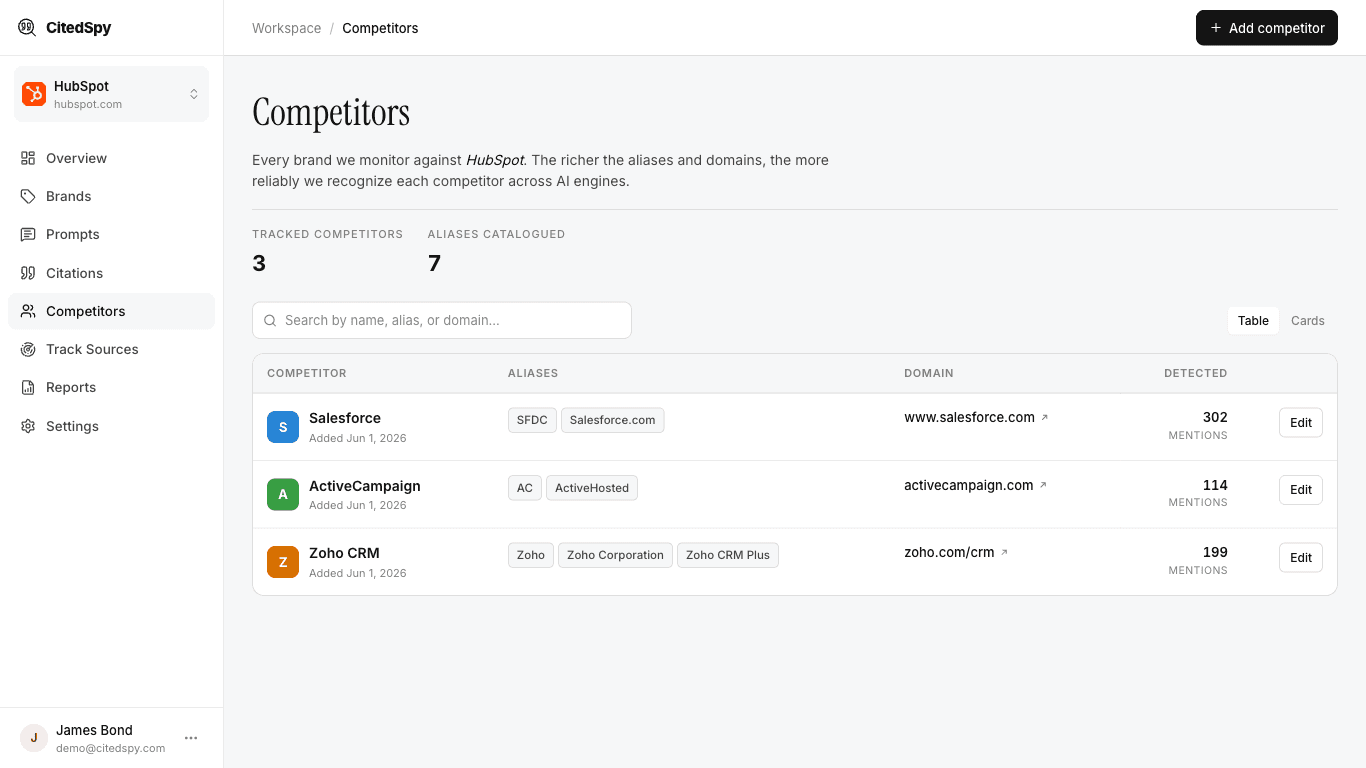
Steps
- Go to Competitors and click Add Competitor.
- Enter the competitor name.
- Add their domain and any aliases.
- Link them to one of your brands.
- Click Save.
Once added, CitedSpy automatically detects competitor mentions in every prompt run for that brand. You do not need to create separate prompts for competitors.