Getting Started
Adding your first brand
Once you sign up, the onboarding wizard walks you through creating your first brand.
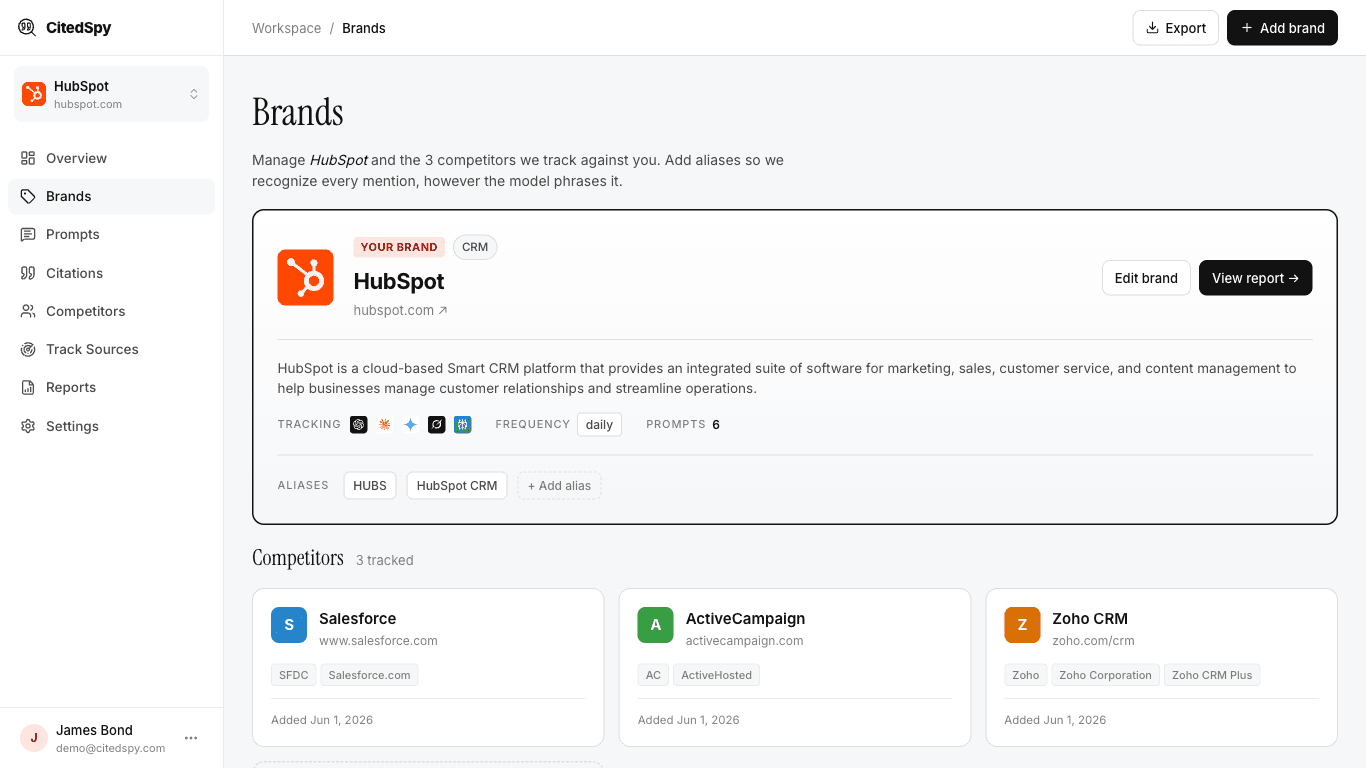
What you need
- Brand name - the name people use when referring to your product or company (e.g. "CitedSpy", "Notion", "Linear").
- Domain - your primary website domain (e.g. citedspy.com). This helps us identify citations that point back to your site.
- Aliases (optional) - alternate names, misspellings, or abbreviations people might use (e.g. "Cited Spy", "citedspy").
Steps
- Go to Brands in the sidebar and click New Brand.
- Enter the brand name and domain.
- Add any aliases you want tracked.
- Click Save. Your brand is now ready for prompt tracking.
After saving, head to Prompts to create your first tracking prompt.