Getting Started
Running your first report
Reports let you see exactly what AI engines say about your brand for specific prompts.
How to run a report
- Go to Prompts, click New Prompt, and enter a question your buyers would ask (e.g. "What is the best project management tool?").
- Pick a prompt type - discovery, comparison, or branded.
- Save it. CitedSpy runs the prompt across every engine enabled for your workspace, on your plan's schedule.
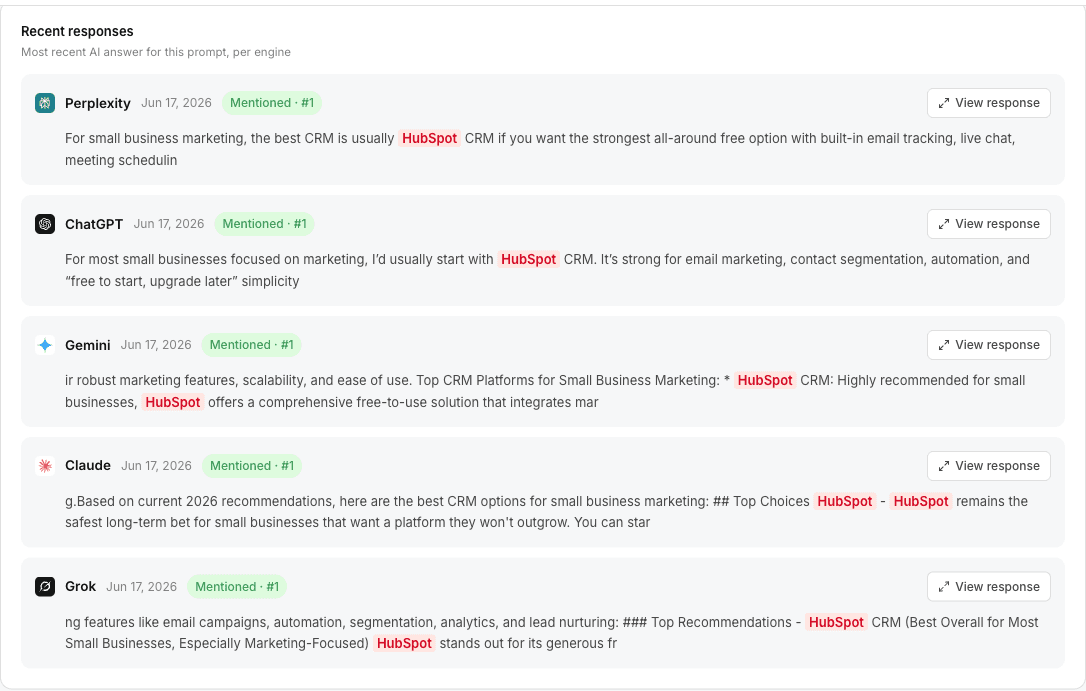
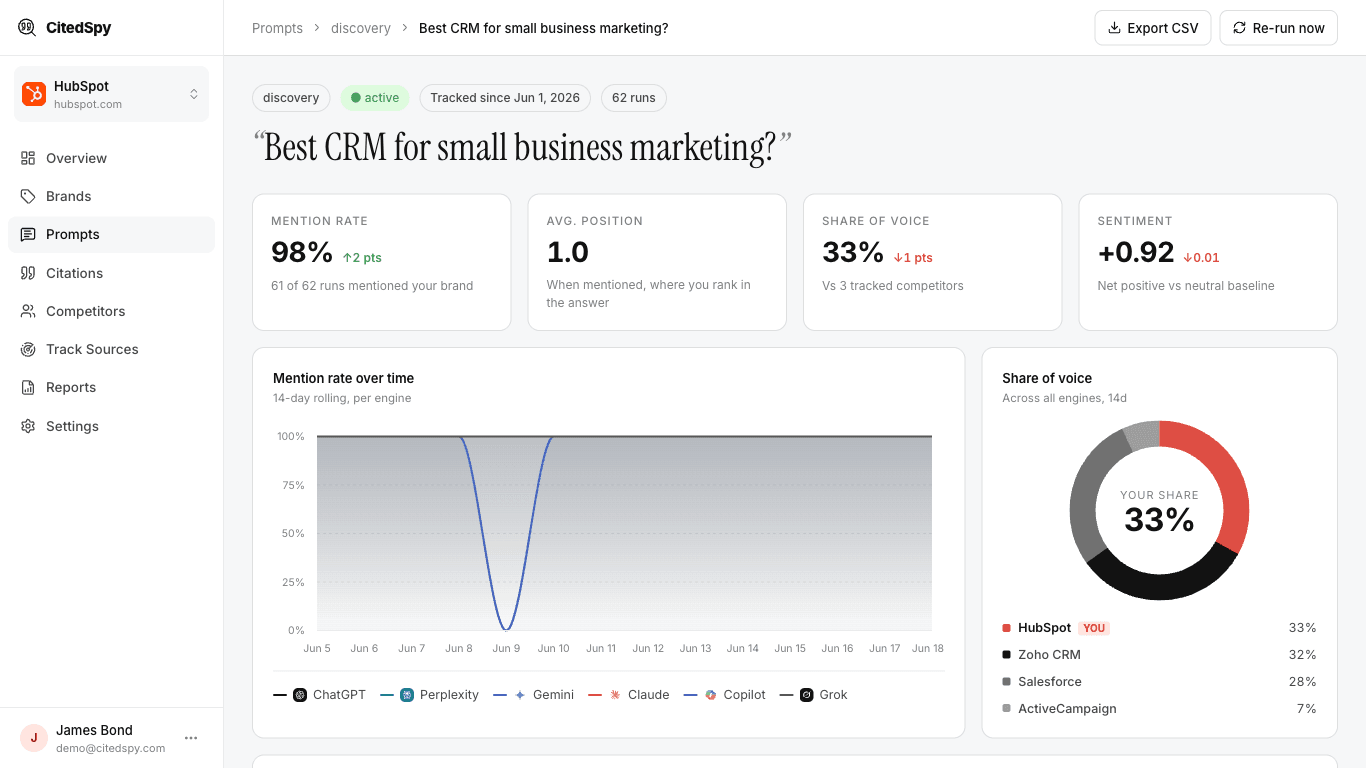
- Open the prompt from the Prompts list to see its report: the full answer from each engine with your mentions highlighted, plus detected citations and sentiment. Use Re-run now for an immediate fresh run.
How often prompts run
CitedSpy runs your prompts automatically on a cadence set by your plan - twice weekly on Trial and Solo, daily on Growth and Pro. Each run captures a snapshot of what every enabled engine says, so you can track changes over time. Need a result right now? Open a prompt and click Re-run now.