Tracking & Prompts
Adding and editing prompts
Prompts are the queries you want to track across AI engines. They should be the kinds of questions your target audience might ask an AI assistant.
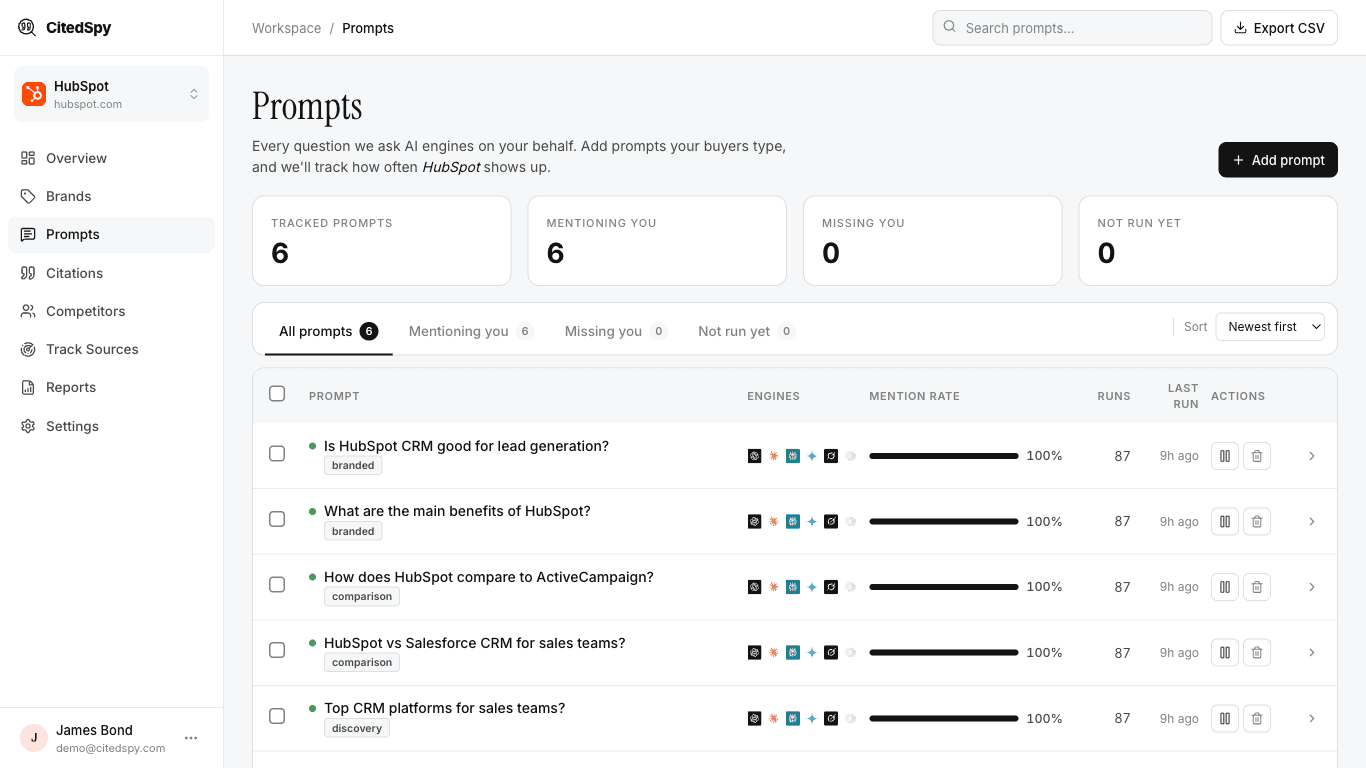
Good prompt examples
- "What is the best SEO tool for small businesses?"
- "Compare Notion vs Coda vs Slite"
- "How do I track my brand mentions in AI?"
Adding a prompt
- Go to Prompts and click New Prompt.
- Enter the prompt text.
- Select the brand this prompt belongs to.
- Choose the prompt type - discovery (an open question, you vs the field), comparison (head-to-head with a named competitor), or branded (a question specifically about you).
- (Optional) Add tags, and for a comparison prompt pick the rival to compare against.
- Click Save.
Engines and run frequency are not set per prompt - every prompt runs across the engines enabled for your workspace (Settings > Engines) on your plan's schedule.
Editing
Click any prompt to edit its text, type, or tags. Changes take effect on the next run.